DTF Transfer Application & Care Instructions
At DTFGO, we are committed to ensuring that you achieve the highest quality results from our DTF transfers. Please review and follow the detailed guidelines below for optimal application, compatibility, and long-lasting performance.
Usage & Material Compatibility
DTF transfers are suitable for a broad range of materials, including:
- Cotton
- Polyester
- Cotton/polyester blends
- Denim
- Canvas and certain non-textile surfaces
They are ideal for customizing a variety of products, such as:
- T-shirts
- Hoodies
- Tote bags
- Hats
- Aprons and other similar items
Design File Preparation
For the best printing results, please prepare your design files as follows:
- Submit files in PNG or TIFF format with a transparent background.
- Recommended resolution: 300 DPI for maximum detail and clarity.
- Avoid extremely intricate or fine details, as these may not transfer accurately.
- Verify color profiles and contrast settings to ensure accurate reproduction.
Application Instructions
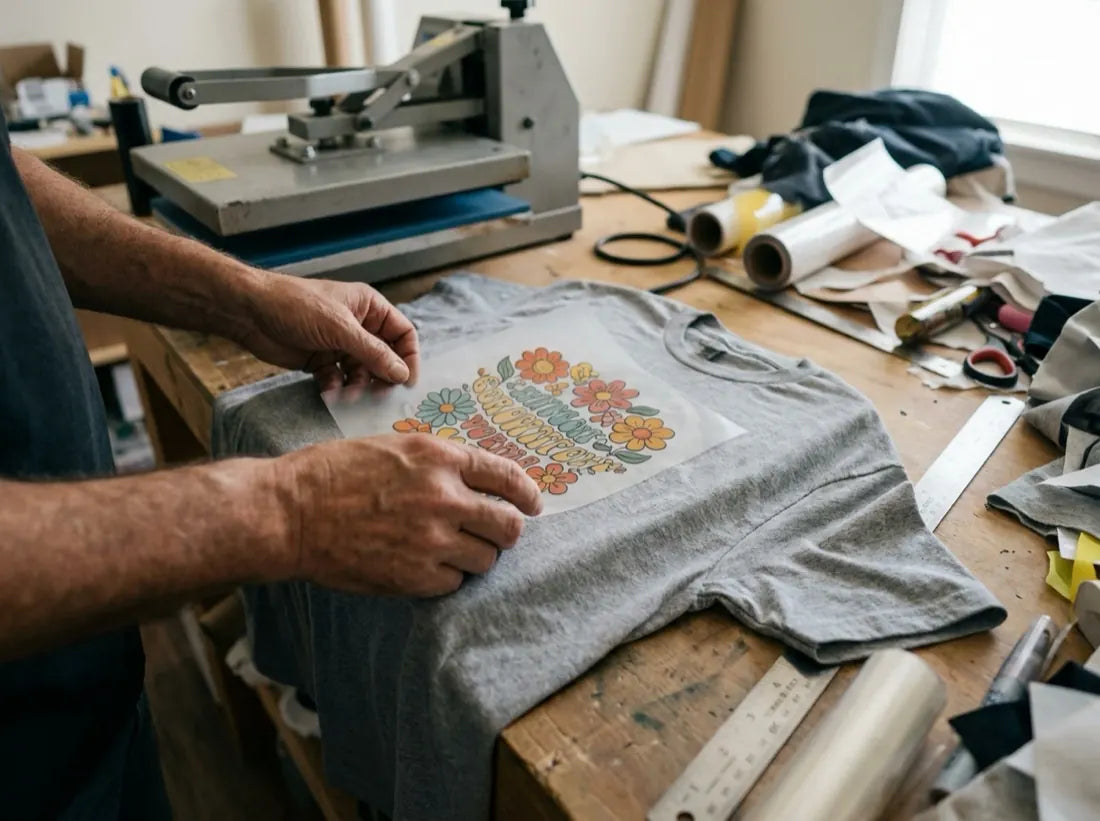
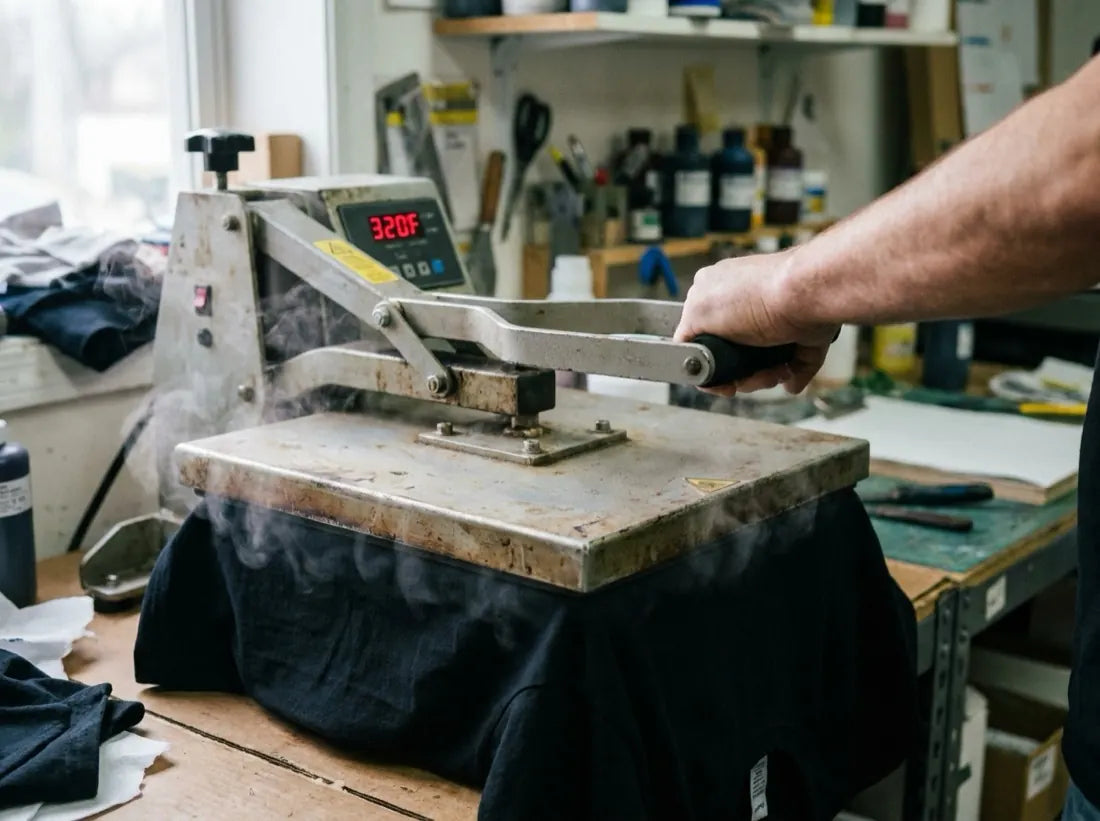
For consistent and professional results, use the following heat press settings:
- Temperature: 310–320°F (155–160°C)
- Press Time: 15 seconds
- Pressure: Medium to firm
- Peel Method: Allow the transfer to cool for a few seconds before peeling the film.
Washing & Care Guidelines
To extend the life and appearance of your finished product:
- Wash garments inside out to protect the transferred design.
- Use cold water for all wash cycles.
- Avoid bleach and dry cleaning.
- Do not iron directly on the design; if ironing is required, turn the garment inside out.
- For best results, tumble dry on a low setting or hang dry.
For further assistance or inquiries regarding file preparation or application techniques, please contact our support team at support@dtfgo.com.